Stay informed
Subscribe to our newsletter if you'd like to stay informed about Shoutem Extensions and Shoutem UI Toolkit.
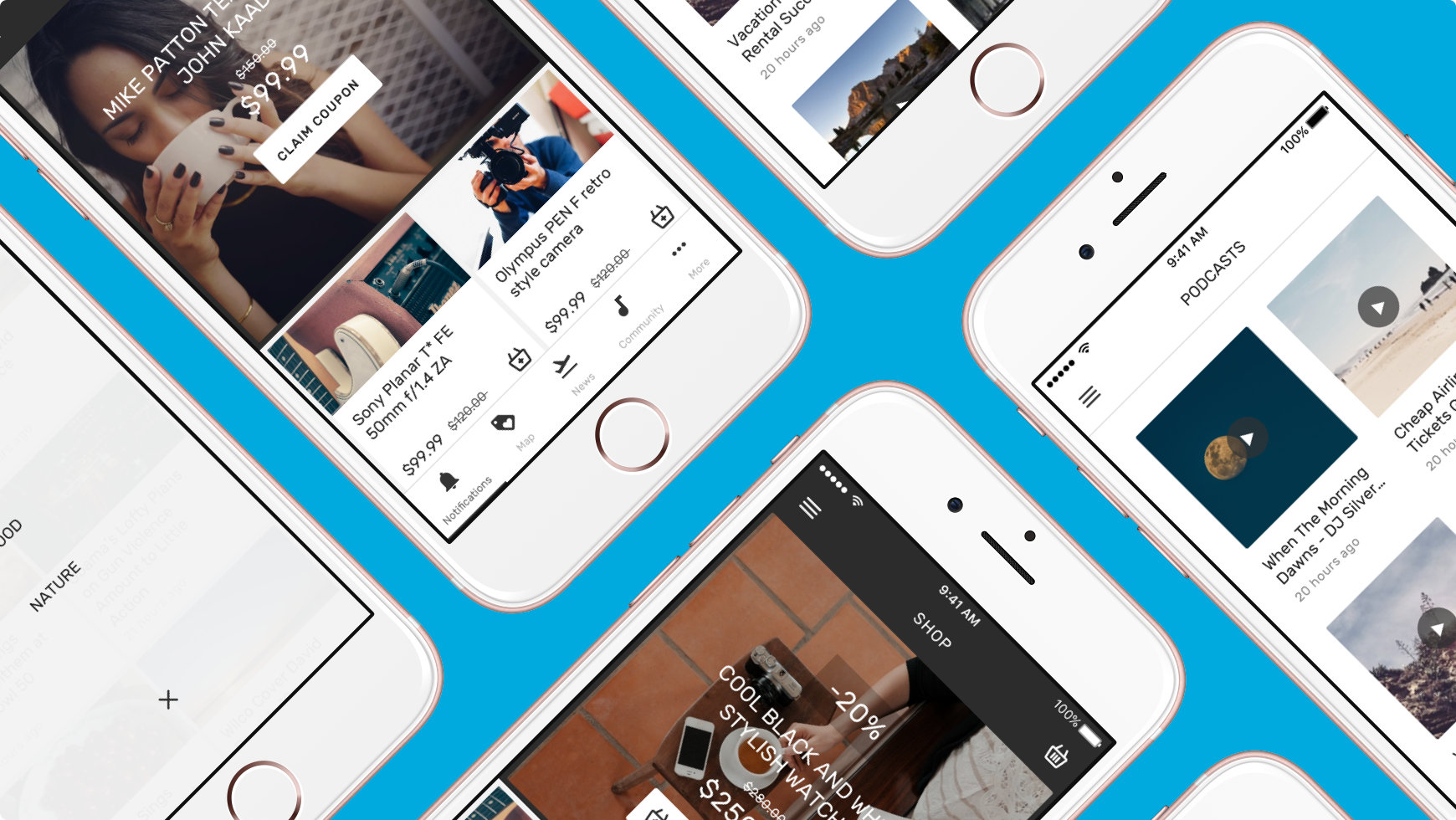
Shoutem UI工具包使您能够轻松构建专业的React Native应用程序。
它由三个库组成:
开始之前,请确保您有:
创建一个新的React Native项目:
$ react-native init HelloWorld && cd HelloWorld
在项目中安装并连接@shoutem/ui模块:
$ react-native install @shoutem/ui
$ react-native link
要检查我们在UI工具包中有哪些组件,只需将以下内容复制到React Native项目的index.ios.js文件中:
#file: index.ios.js
import React, { Component } from 'react';
import { AppRegistry } from 'react-native';
import { Examples } from '@shoutem/ui';

class HelloWorld extends Component {
  render() {
    return (
      <Examples />
    );
  }
}

AppRegistry.registerComponent('HelloWorld', () => HelloWorld);
最后,运行起你的应用吧!
$ react-native run-ios
要查看其他组件,只需从@ shoutem/ui导入它们并进行渲染。
您还可以在布局中的任何位置使用标准React Native组件,但它们不会继承主题或父样式,因此您需要手动为它们设置样式。
样式名称类似于CSS类。 一旦应用特定的styleName,它将继承在Theme中定义的样式规则。
本节涵盖可用于多个UI工具包组件及其变体的常用样式名称。
在
View,Tile和Overlay组件gutter被应用为填充,而Text(排版)和Button组件gutter被应用为边距。
如果要仅将gutter应用于组件的特定边(即右)或垂直边,则可以通过使用下面列出的其他位置样式名称关键字来指定。
下面是一个示例,其中可以使用常见的样式名称:
<Overlay>
  <Overlay styleName="collapsed"><Heading>-20%</Heading></Overlay>
  <Title styleName="md-gutter-top">COOL BLACK AND WHITE STYLISH WATCHES</Title>
  <Subtitle styleName="line-through sm-gutter-top">$280.00</Subtitle>
  <Heading>$250.00</Heading>
  <Button styleName="md-gutter-top"><Icon name="cart" /><Text>ADD TO BASKET</Text></Button>
</Overlay>